
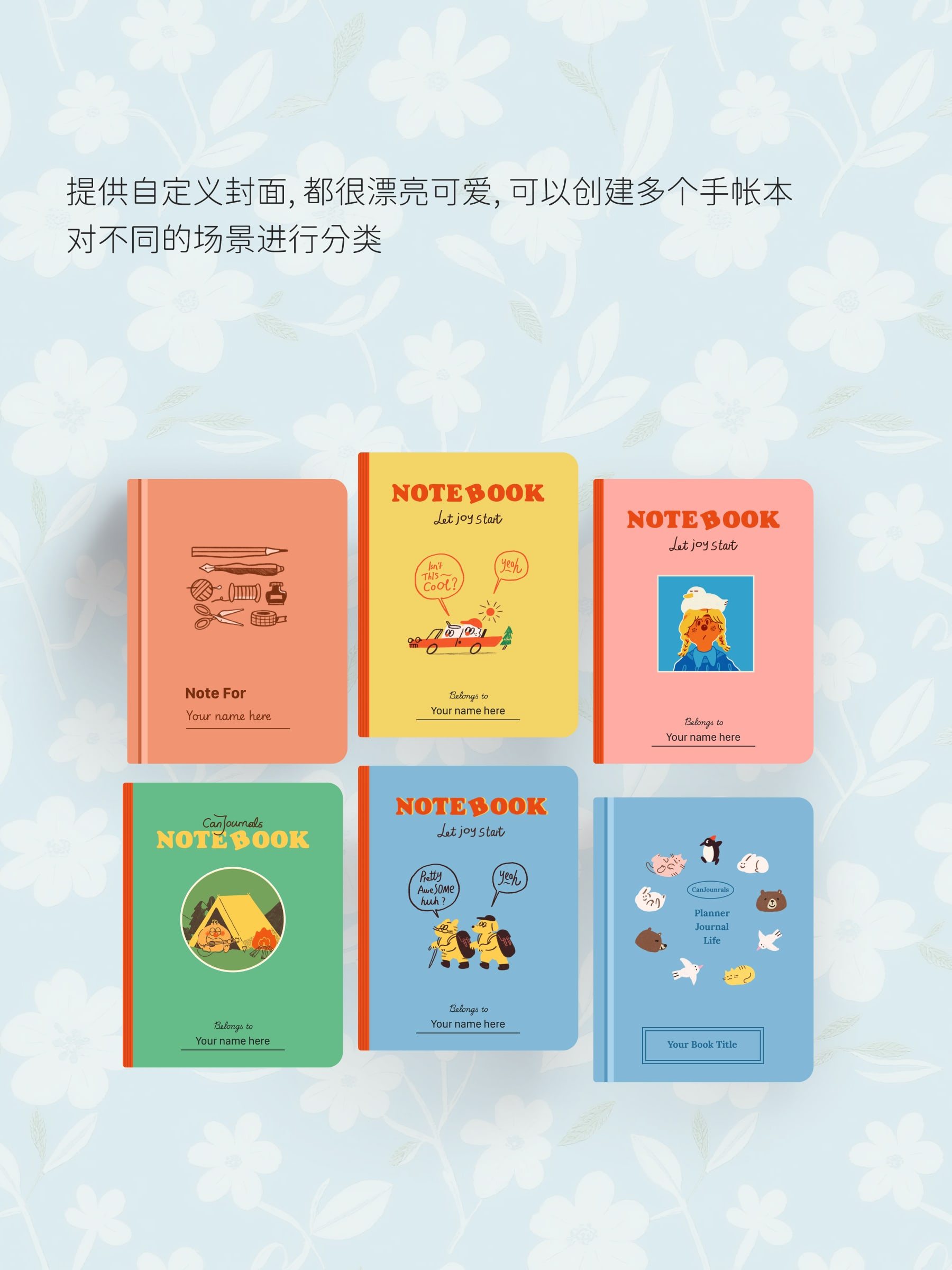
This guide explains Journal Pages. If you need details on Notebooks, click here: Notebooks
1. Quick Journal Creation
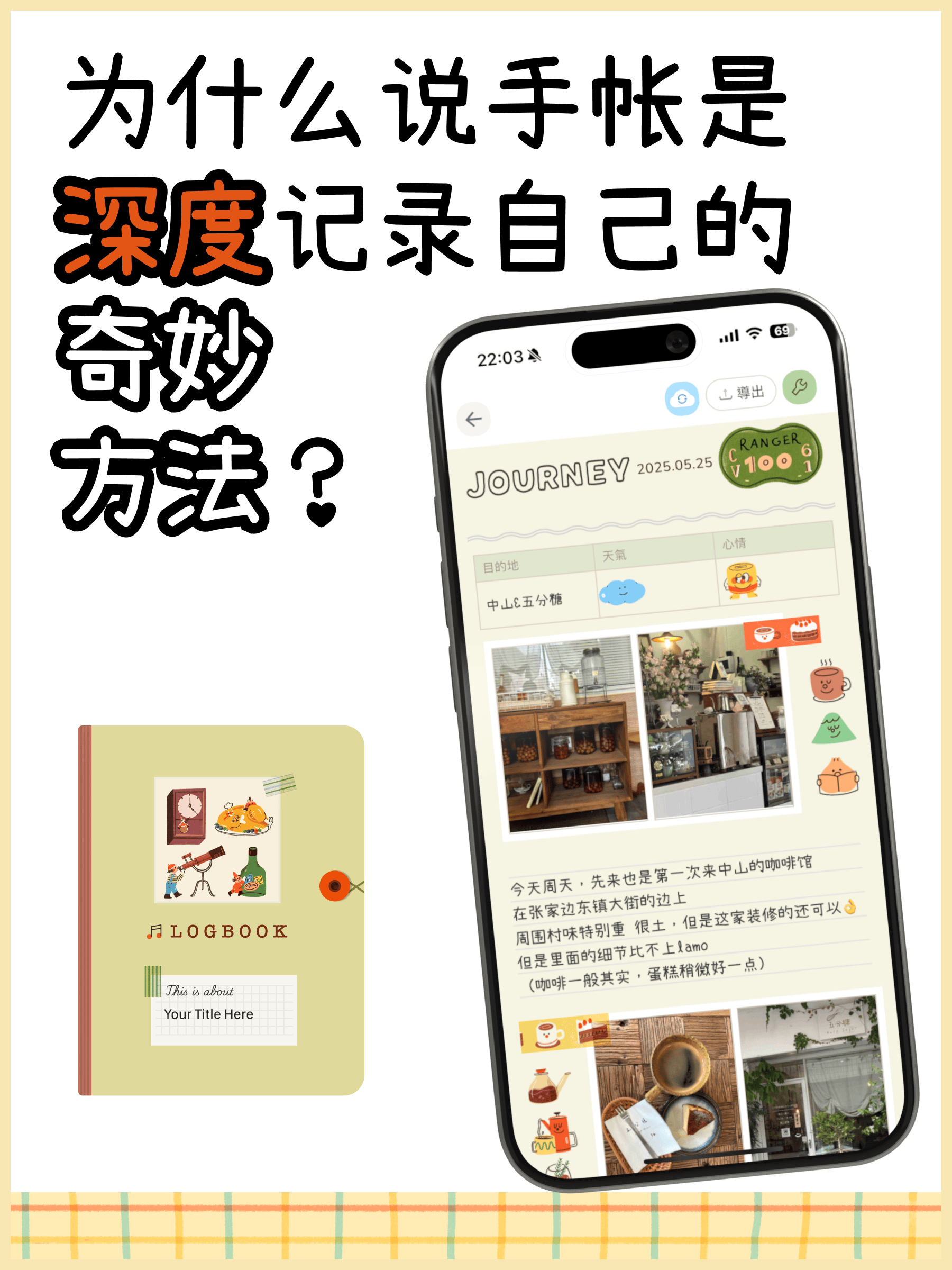
You can create an entry using ready-made templates or start with a blank block canvas.
2. Page Settings & Customization
Inside a journal page, you can configure:
- Date & Weather: Record the date, time, weather, and mood.
- Font Settings: Customize typography, font family, line spacing, and text sizes across the page.
- Stickers & Washi Tapes: Add decorative stickers, stamps, and tape elements.
- Background Style: Select solid colors, vintage paper textures, or grid lines.
- Flip-page Mode: Switch between vertical scrolling and realistic flip-book reading modes.
3. Exporting & Printing
Export your completed entries as high-resolution images or multi-page PDFs ready for physical printing.
Refer to: Export Journal / Print Guide and Printing Guide.